
Learning Systems
A Team Decision Log: Keep the Reasons Behind the Agreement
Keep enough of the agreement for someone new to understand what the team decided, why, and when to revisit it.
During a discussion, everyone may understand why the team chose a particular process. A few weeks later, the chat may say only “agreed.” Leave enough detail for a new colleague or the same team to see what was decided and why that choice made sense at the time.
Separate decisions from minutes and tasks
Meeting minutes capture the discussion. A task list names the person doing the next step. A decision log keeps the choice, its reasons, and the consequences to bear in mind if circumstances change. Link these documents if useful, but make the record clear enough to read without the full conversation.
This approach comes from technical practice. AWS describes an architectural decision record in terms of context, the direction chosen, and its consequences [1]. This article adapts that format for small teams and everyday work decisions.
Write a record that makes sense on its own
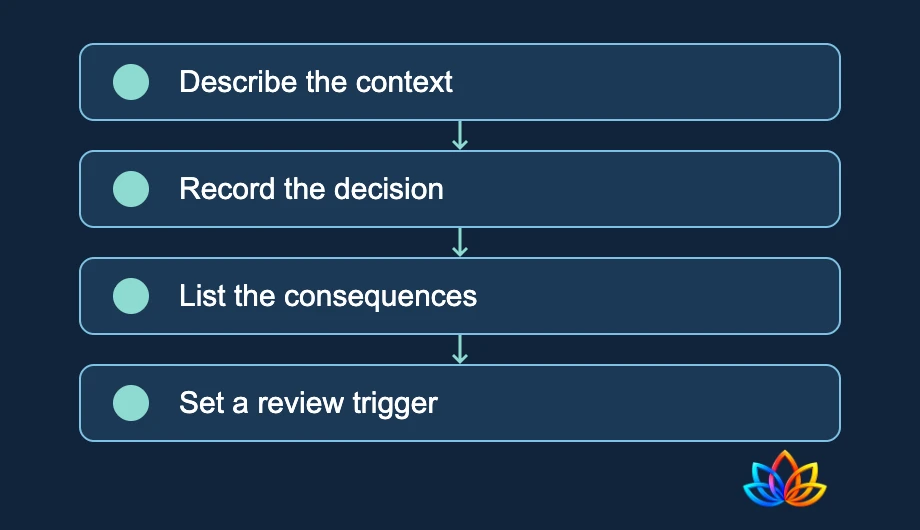
Name the choice in the title, such as “We will trial a weekly consolidation of incoming requests.” Add a date, a status, and the person or role responsible for following up. Then answer four questions. What prompted the discussion? What did the team decide? What will it make easier or harder? What new circumstance would justify another review?
List the alternatives that mattered to the choice. Give one real benefit or limitation for each. The GDS framework for technical decisions also includes status, date, and links to supporting documents [2]. A small team may need only one stable link to the relevant material.
- Describe the context
- Record the decision
- List the consequences
- Set a review trigger
Choose which decisions are worth recording
Record a decision when it changes how several people work, creates a lasting commitment, or depends on an assumption you want to test. A routine schedule for tomorrow can stay in the calendar. If a change affects how everyone hands over work, its reasons should still be available when the chat message is hard to find.
For a short trial, mark the choice as provisional and say who can confirm it as an ongoing agreement. That tells readers whether they are looking at the current rule or an idea for discussion.
Illustrative example: intake for a small team
Imagine a team that receives requests in several separate conversations. It decides to use one shared form during a trial. Requests currently appear in two places, with no clear owner. The alternative was to keep the existing channels and combine them manually each day.
The chosen approach creates one place to track requests. It also adds a step for the person submitting one. At the agreed review, the person responsible checks whether duplicate requests remain and whether any stalled because people did not know about the form. If that happened, the team investigates before extending the trial.
Keep the history when a decision changes
Preserve the previous rationale when the team makes a different choice. Mark the old record as superseded and link it to the new one. AWS describes this approach for accepted software architecture decisions [1]. A small team can apply the same idea in a dated shared document.
Distinguish a reason from an assumption. “This will be faster” is an expectation you can test. “We currently have duplicate entries” is a description of the problem and should come from an actual example or observation.
Exercise: see whether the record works without you
Choose a recent decision and write a record of less than one page. Give it to someone who missed the discussion. Ask them to explain what was agreed and what situation would make them reopen the question.
If they confuse a proposal with an accepted decision, make the status clearer. If they can repeat the choice but cannot explain it, add context. Save the record where your team is likely to look when the question comes up again.
Frequently asked questions
Should we record every decision?
Choose decisions whose reasons the team may need later or whose consequences affect other people.
Who writes it?
The decision owner can draft it, and participants can confirm that it reflects the agreement.
How should we mark a pending proposal?
Give it a clear status and say what needs to happen before it becomes a decision.
What if the team disagrees?
Keep the important alternatives and explain the choice. Restrict sensitive detail to people who need it.
What if the conditions change?
Link the new decision to the previous one and document what changed.
Do we need a dedicated tool?
A shared document with stable links, dates, and statuses can be enough.
Conclusion
For your next decision, write down the context, the choice, its consequences, and when to revisit it. Ask someone who missed the discussion to explain both the agreement and the reason for it.
Set success criteria before your next team decision
Sources
About Meta Life Vision
Meta Life Vision is an educational brand within Yevt Group. YEVT DIGITAL works on the Meta Life Vision website and provides website development and other digital solutions.