
Learning Systems
A Checklist People Use: Capture Critical Steps Without Rewriting the Procedure
Separate the procedure from the checklist, define the trigger and turn critical checks into a short, observable flow.
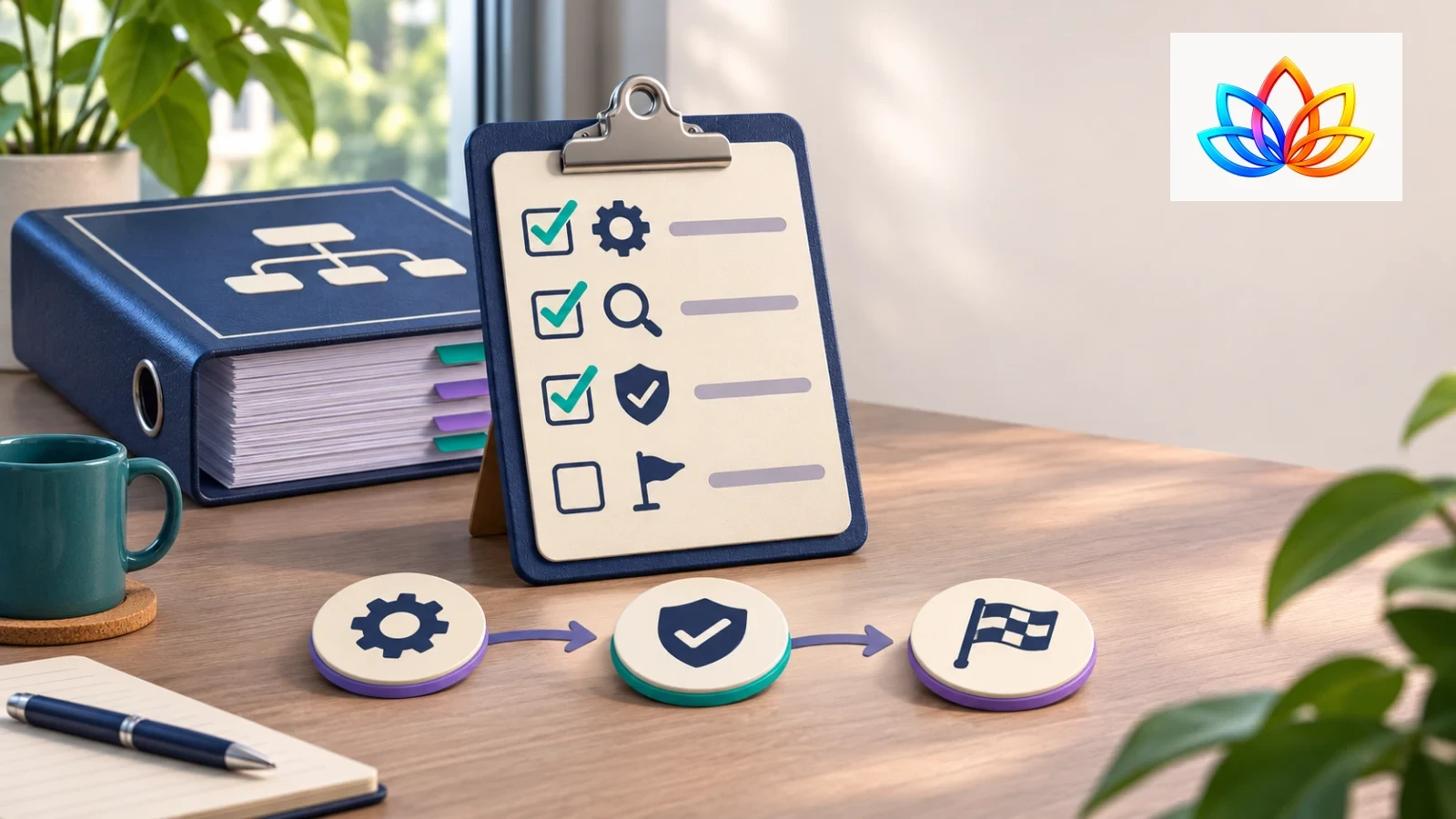
A useful checklist is not a shortened copy of a procedure. A procedure explains how work is performed; a checklist prompts a few checks that must not be missed at a defined moment. When every detail is transferred into the list, users receive another long document and the critical items disappear among explanations again.
This guide borrows general design principles from World Health Organization material, then applies them to ordinary learning and business work. The WHO manual concerns a surgical safety checklist and is not a general business rule. Its useful ideas include simplicity, explicit confirmation, local adaptation and small-scale testing. They are used here as design guidance, not medical instruction.
1. Separate the procedure from the checklist
A procedure contains purpose, responsibilities, detailed steps, exceptions and explanations. It helps someone learn or correctly perform the process. A checklist comes later: once the process is understood, it confirms that actions whose omission would matter have been completed at the right point. If users must learn the job from the checklist, they probably need a procedure, training or help built into the system.
Start with a precise sentence: “Use this checklist when…” Then state who opens it, who reads or marks the items and what completion means. Without a trigger, the list becomes a document that everyone regards as useful but no one knows when to use. Without an owner, several people may each assume that somebody else performed the check.
| Procedure | Checklist |
|---|---|
| Explains the full method | Confirms a small set of critical checks |
| Supports learning and execution | Is used at a defined point in the work |
| Contains details and exceptions | Uses short, observable items |
| Changes with the process | Has an owner, version and review date |
2. Find the trigger and critical points
Do not include an item merely because it sounds important. Include it because it must be confirmed at a particular point. Ask what people actually forget, what is difficult to recover after an error, what depends on sequence and which check stops an error moving into the next phase. Conversations with people who perform the work reveal more than copying the official procedure.
The WHO implementation material emphasises confirming items without relying on memory and assigning a defined pause point. In another setting, that point might be before sending a proposal, publishing a page, handing over a file or closing a shift. The critical point must fit the real workflow, not an arbitrary paper schedule.
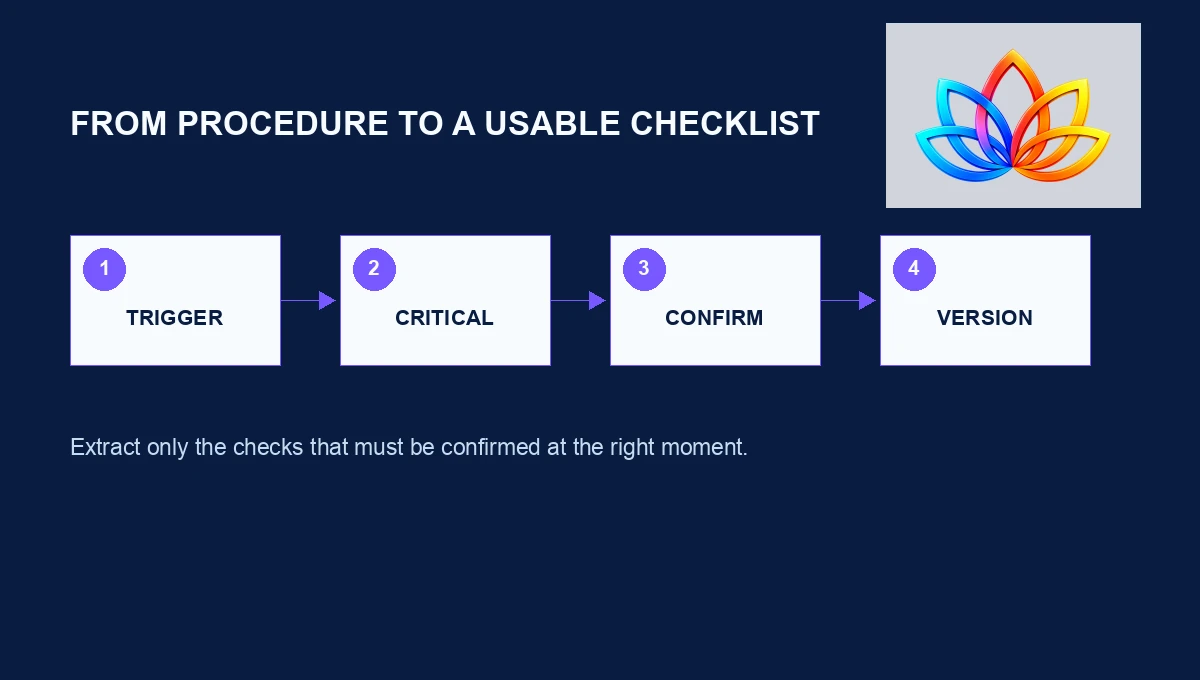
3. Write items as observable checks
Avoid phrases such as “check quality”, “be careful” and “process the document”. They do not say what is observed or what result confirms completion. A stronger item connects an object, action and evidence: “Confirm that the proposal number in the PDF matches the number in the register.” The user knows what to compare and can answer clearly.
One item should check one thing. If a sentence contains several independent actions joined by “and”, split it or move the detail back into the procedure. Add allowed responses only when useful: confirmed, not applicable with a reason, or stop the process. A checkbox without a criterion can become a ritual rather than a genuine control.
4. Arrange the list by phase and responsibility
The order of the list should follow the order of the work. If users must constantly move between applications, rooms or parts of a document, they are more likely to skip items. Grouping checks by phase — before starting, before handover and after confirmation — reduces switching. For each phase, name who reads or marks items and who may stop progress.
Length is not a goal in itself. A short list with the wrong items is not good, while a long list may reveal that the process is too complex. Every additional item must nevertheless justify its place. If it merely repeats an ordinary detail without a clear consequence, move it into the procedure, form or automated validation.
5. Test the list in real work
Give the draft to a small number of real users and observe without explaining every sentence. Record where they pause, what they interpret differently, which information is unavailable and how long the check takes. WHO recommends small-scale initial testing and local adaptation in its setting; the same sensible discipline helps when designing other checklists.
Ask which item prevented an error and which merely repeated what the system already enforces. If everyone marks an item automatically without looking at evidence, rewrite or remove it. A trial is not a popularity survey. It tests whether the list appears at the right moment and produces an observable confirmation.
6. Publish a version, owner and review rhythm
A checklist should carry the process name, a version number or date, an owner and the next review date. When the procedure changes, the owner decides whether a critical check has changed too. Remove obsolete copies from the workplace so users do not choose between versions. Each revision needs a short reason, not only a new date.
Monitor concrete signals: how often the list is used, how often it stops progress, which items frequently receive “not applicable” and where deviations occur. Those numbers do not prove quality by themselves, but they show where to speak with users and inspect the process.
- Write the exact trigger and checklist owner.
- Select only checks whose omission changes the outcome or makes recovery difficult.
- Turn every item into an observable action and evidence.
- Order items according to the real workflow.
- Test the draft with a small group of users.
- Publish a version, review date and reason for each change.
7. Frequently asked questions
How many items should a checklist contain?
There is no universal number. Include the smallest set that covers critical checks, then test its length in real work.
Can a checklist replace training?
No. It reminds a trained user about key checks; it does not explain the complete procedure or every exception.
Who should write it?
The process owner together with people who perform the work and someone who understands the consequences of error.
What if an item is often not applicable?
Check whether it belongs only to a specific branch, then condition, move or remove it with a documented reason.
Is a digital checklist always better than a paper checklist?
No. Choose the form available at the point of use that preserves the needed record without obstructing work.
When should the list change?
When the process, tool, responsibility or known failure changes, and periodically at a pre-set review date.
8. Conclusion
A usable checklist does not rewrite the procedure. It has a precise trigger, an owner, a small set of critical checks, observable criteria and an order that follows real work. Test it with users, record its version and revise it when evidence from practice shows that it no longer protects an important point in the process.
Sources: WHO: Implementation manual for the Surgical Safety Checklist, WHO: Safe Surgery tool and resources. Accessed 17 November 2026.
About Meta Life Vision
Meta Life Vision is an educational brand within Yevt Group. YEVT DIGITAL works on the Meta Life Vision website and provides website development and other digital solutions.